Why Your Business Needs an Enterprise Password Manager in 2025: The First Line of Defense
In the hierarchy of cybersecurity threats, complex state-sponsored hacks get the headlines, but simple password negligence causes the damage. According to the Verizon Data Breach Investigations Report, over 80% of hacking-related breaches leverage either stolen or weak passwords.
For a modern business using dozens of SaaS applications—from Slack and Zoom to HubSpot and AWS—the attack surface is massive. If your employees are writing passwords on sticky notes, reusing the same password across accounts, or sharing credentials via email, your business is a ticking time bomb.
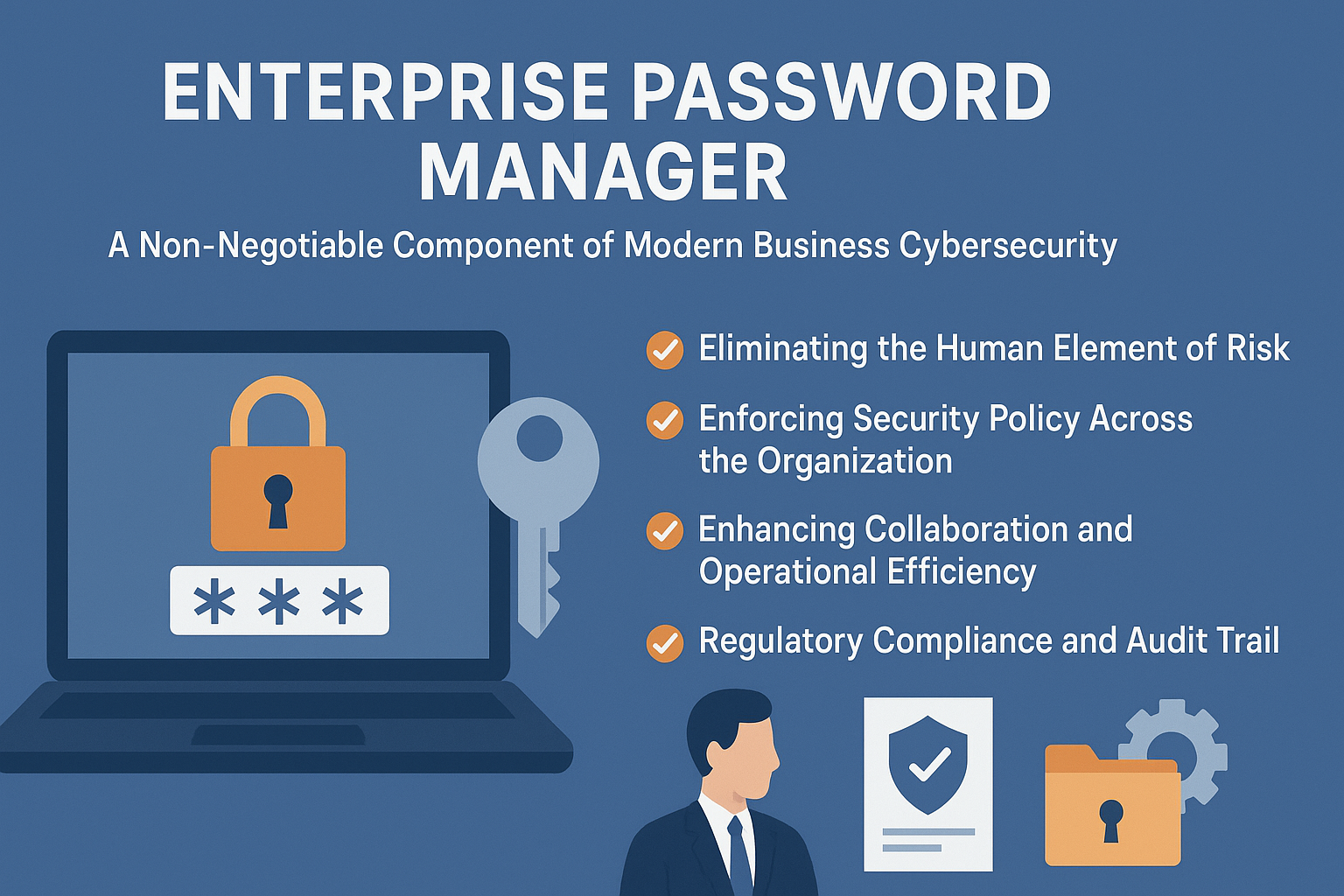
An Enterprise Password Manager (EPM) is no longer a “nice-to-have” productivity tool; it is a critical security infrastructure. Unlike personal password managers (used by individuals), EPMs are designed for control, visibility, and compliance. This guide explores why every business in 2025 needs an EPM, the specific features that protect your organization, and a comparison of the top market leaders like 1Password, Keeper, and Dashlane.
1. The “Human Factor”: Why SSO Isn’t Enough
Many businesses believe they are safe because they use Single Sign-On (SSO) like Okta or Microsoft Azure AD. While SSO is excellent, it rarely covers 100% of a company’s tools.
- The “Shadow IT” Problem: Marketing teams sign up for new tools to test them. Developers spin up test servers. These accounts often live outside the SSO umbrella, protected only by a weak password created by an employee in a rush.
- Shared Accounts: How does your team access the corporate Twitter account? Or the FedEx shipping login? These accounts often don’t support multi-user SSO. Without an EPM, employees text these passwords to each other, creating a trail of unsecured credentials.
An Enterprise Password Manager covers the gap that SSO leaves behind, securing every entry point.
2. Core Features of Enterprise-Grade Solutions
What separates a business tool from a consumer tool? It’s all about Control.
Centralized Admin Console
This is the command center. It allows IT administrators to:
- Enforce Policies: Mandate that all passwords must be at least 16 characters long and complex.
- Force MFA: Require Multi-Factor Authentication just to open the password vault, adding a double layer of security.
- Audit Usage: See who accessed which password and when (without seeing the password itself).
Secure Sharing (The “Zero-Knowledge” Protocol)
Employees need to collaborate. An EPM allows secure sharing of credentials between teams (e.g., the Marketing team shares the Instagram password).
- The Benefit: The password is shared encrypted. The recipient creates a link to the credential in their vault, but they never have to see or copy-paste the actual plaintext password.
- Masking: You can share a password while keeping it hidden, meaning the employee can log in but cannot steal the password for personal use.
Automated Offboarding
When an employee leaves, it is a moment of high risk. If they know the company WiFi password, the CRM login, and the banking pin, they take that access with them.
- The EPM Solution: With one click in the admin console, you can revoke their access to the vault. Any passwords shared with them are instantly unlinked. This automated “kill switch” is essential for protecting data from disgruntled former staff.
3. Top Enterprise Password Managers (2025 Review)
The market is competitive, but four names stand out for business use cases.
1. 1Password (The UX Leader)
1Password is widely beloved by startups and tech companies for its exceptional user experience and design.
- Key Feature: Watchtower. This dashboard proactively warns admins about compromised websites, weak passwords in the organization, and reused credentials. It turns security into a measurable score.
- Developer Tools: 1Password has invested heavily in features for engineers, allowing them to manage SSH keys and infrastructure secrets securely, integrating directly with the terminal.
- Travel Mode: A unique feature that removes sensitive vaults from devices when crossing borders, protecting data from border agent searches.
2. Keeper Security (The Compliance Beast)
Keeper positions itself as the most secure, compliant option for regulated industries (Government, Healthcare, Finance).
- Key Feature: BreachWatch. Continuously scans the dark web for your employees’ credentials and alerts you instantly if a company email appears in a data dump.
- Compliance: Keeper is FedRAMP Authorized and holds rigorous certifications (SOC 2, ISO 27001), making it the default choice for government contractors.
- Granularity: It offers extremely detailed role-based access controls (RBAC), allowing fine-tuned permission settings for complex organizations.
3. Dashlane Business (The Simplicity Choice)
Dashlane focuses on making security easy for non-technical employees, aiming for high adoption rates.
- Key Feature: Smart Spaces. It automatically separates personal passwords from business passwords. If an employee leaves, the business revokes the business space, but the employee keeps their personal Netflix login. This privacy-first approach encourages employees to actually use the tool.
- Site License: Dashlane often bundles a VPN with its business plan, adding extra value for remote teams working from coffee shops.
4. Bitwarden (The Open-Source Option)
Bitwarden is the favorite of the privacy and open-source community.
- Key Feature: Self-Hosting. Unlike the others, Bitwarden allows you to host the password vault on your own servers. For companies that cannot legally store data on a third-party cloud, this is the only viable option.
- Cost: It is significantly cheaper than its competitors while offering robust enterprise features.
- Transparency: Because the code is open-source, it is audited by the community continuously, providing a high level of trust.
4. The ROI of Password Management
Implementing an EPM isn’t just a cost; it saves money.
- Productivity Gains: The average employee spends 11 hours a year resetting forgotten passwords or locked accounts. An EPM eliminates this friction entirely.
- Help Desk Savings: Forrester Research estimates that up to 30% of IT help desk tickets are related to password resets. Automating this frees up IT staff for high-value work.
- Breach Prevention: The average cost of a data breach in 2024 was over $4.4 million. An EPM costs a few dollars per user. It is the cheapest insurance policy you can buy.
5. Implementation Strategy: Ensuring Adoption
The best software fails if employees hate it. Moving a team from “Post-it notes” to an EPM requires change management.
- Start with the “Why”: Don’t just enforce a new tool. Explain that it protects them as much as the company. Frame it as a perk: “We are giving you a tool to make logging in faster.”
- The “Grace Period”: Give employees 2 weeks to import their passwords from browsers and spreadsheets before enforcing the new policy.
- Lead by Example: The CEO and Executives must use it visibly. If leadership bypasses the security protocols, the staff will too.
Conclusion: The Foundation of Digital Trust
In 2025, a business without an Enterprise Password Manager is like a bank leaving its vault open. It is negligence. Whether you choose the polished experience of 1Password, the rigorous compliance of Keeper, or the open-source transparency of Bitwarden, the imperative is to act. Securing your credentials is the first, most effective step toward building a resilient, trustworthy digital organization.