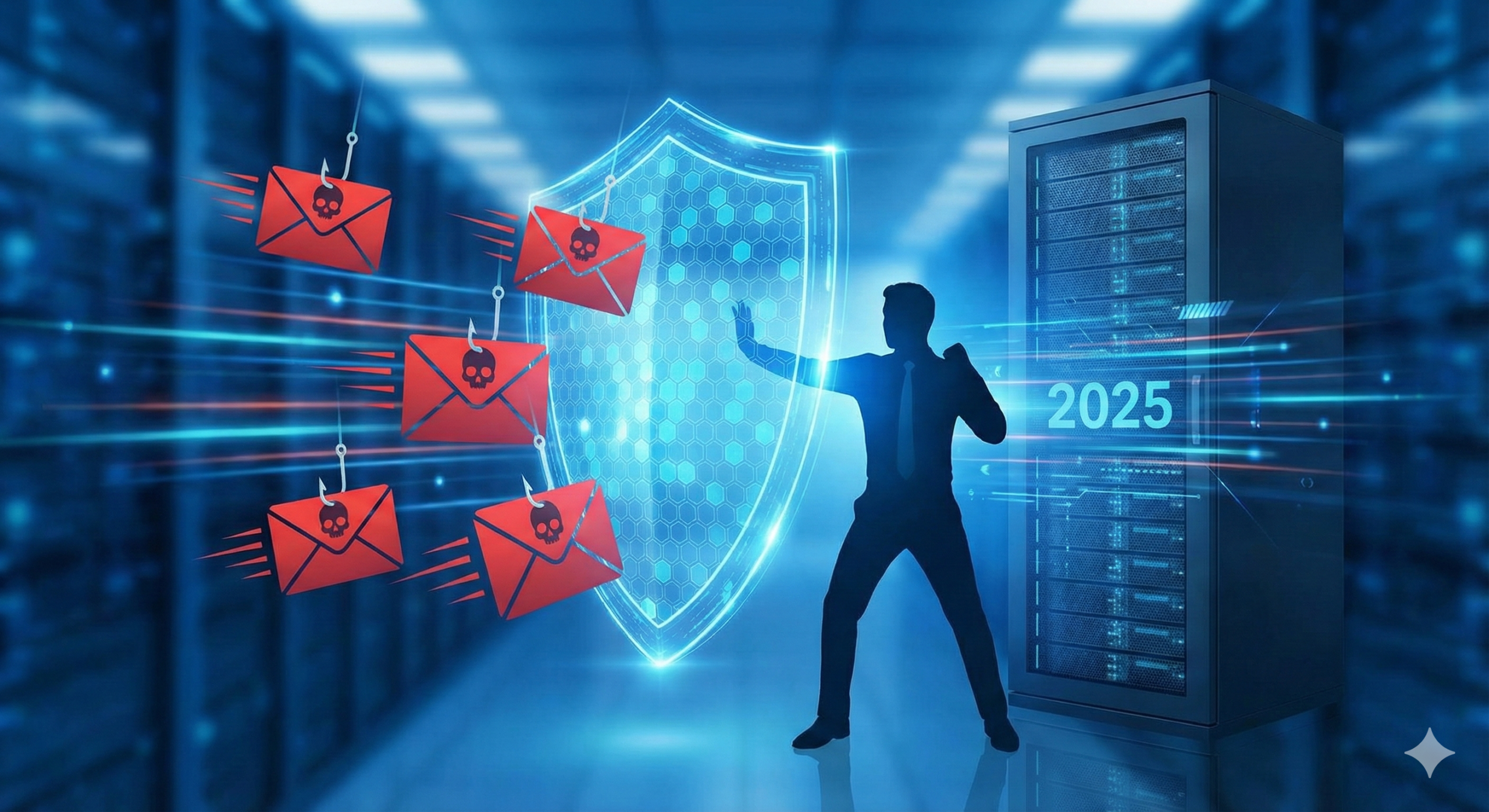
You can spend millions on state-of-the-art firewalls, Zero Trust architectures, and encrypted endpoints, but your organization’s security is only as strong as its weakest link: the human employee. In 2025, over 90% of all successful cyberattacks start with a phishing email. Attackers have moved beyond poorly spelled “Nigerian Prince” scams to sophisticated, AI-generated spear-phishing campaigns that mimic CEOs, vendors, and trusted partners perfectly. Technical filters are no longer enough. The only effective defense is to transform your workforce from a liability into a “human firewall.” This guide outlines the strategies and tools necessary to train your employees to spot, stop, and report phishing attacks before they cripple your business.
1. The Evolution of Phishing: It’s Not Just Email Anymore
To defeat the enemy, employees must understand how the threat has evolved. Training must cover the full spectrum of modern social engineering:
- Spear Phishing (Whaling): Highly targeted attacks aimed at specific individuals (often finance or HR) using personal details scraped from LinkedIn to establish trust.
- Smishing (SMS Phishing): Text messages posing as delivery services (FedEx/DHL) or banks, demanding immediate action via a malicious link.
- Vishing (Voice Phishing) & Deepfakes: The terrifying rise of AI-generated voice clones where an attacker calls an employee sounding exactly like their boss, authorizing an urgent wire transfer.
- BEC (Business Email Compromise): Attackers compromise a legitimate vendor’s email account and send a “new invoice” with updated bank details to your accounts payable team.
2. Why “Once-a-Year” Training Fails
Traditional security awareness training—usually a boring PowerPoint presentation once a year for compliance—is demonstrably ineffective. The “Forgetfulness Curve” dictates that employees forget 90% of training within a month if it isn’t reinforced.
The Solution: Continuous, Simulated Testing. Effective prevention requires a program of continuous Phishing Simulation. This involves sending safe, fake phishing emails to your own employees at random intervals.
- If they report it: They get a congratulatory message.
- If they click it: They are immediately redirected to a “Teachable Moment” landing page that explains exactly what they missed (e.g., “Notice the sender’s domain was @https://www.google.com/search?q=gmai1.com, not @gmail.com”).
3. Top Security Awareness Training (SAT) Platforms
Investing in a SaaS platform to manage this training is essential. Here are the market leaders for 2025:
KnowBe4
The undisputed giant in the space. KnowBe4 offers the world’s largest library of security awareness content (videos, games, quizzes). Their “Kevin Mitnick Security Awareness Training” is legendary.
- Best Feature: Their “PhishER” button integrates with Outlook/Gmail, allowing employees to report suspicious emails with one click.
Proofpoint Security Awareness
Proofpoint leverages its massive threat intelligence network. Because they protect Fortune 500 emails, they know exactly what real attacks look like today and use that data to create ultra-realistic simulations for your team.
- Best Feature: “Very Attacked People” (VAP) reports show you exactly which employees are being targeted the most, allowing you to focus extra training on them.
Mimecast Awareness Training
Mimecast focuses on humor. Their training modules often look like sitcoms (“The Human Error”), which significantly increases employee engagement compared to dry corporate videos.
- Best Feature: Short, micro-learning modules (2-3 minutes) that don’t disrupt the workday.
4. The “Red Flags” Every Employee Must Know
Your training program must drill these four indicators into employee reflexes:
- Urgency and Fear: “Your account will be suspended in 24 hours!” or “Immediate payment required!” Scammers use urgency to bypass critical thinking.
- The Mismatched Domain: Teach employees to hover over the sender’s name. Does the email say “Microsoft Support” but the address is
support@ms-security-update.xyz? - Generic Greetings: “Dear Customer” or “Dear Employee” instead of their name (though AI is getting better at fixing this).
- Suspicious Attachments: Unexpected invoices (PDF/ZIP) from vendors you haven’t bought anything from recently.
5. Building a “No-Blame” Reporting Culture
The biggest mistake companies make is punishing employees who click. If employees fear being fired or shamed for making a mistake, they will hide it when they inevitably click a real malicious link.
- The Golden Rule: Create a culture where reporting is rewarded. If an employee clicks a bad link, they should feel safe contacting IT immediately. “I think I messed up, please help” allows IT to isolate the machine and stop the breach within minutes.
- Gamification: Use leaderboards to celebrate employees who spot the most phishing emails. Make security a team sport, not a compliance chore.
Conclusion: Your Employees are Your Last Line of Defense
Technology filters will catch 99% of spam, but the 1% that gets through is usually the most dangerous. By implementing a robust, continuous training program using platforms like KnowBe4 or Proofpoint, and by fostering a culture of vigilance rather than fear, you empower your workforce. In 2025, a well-trained employee is not a liability; they are the most intelligent, adaptive sensor in your cybersecurity grid.