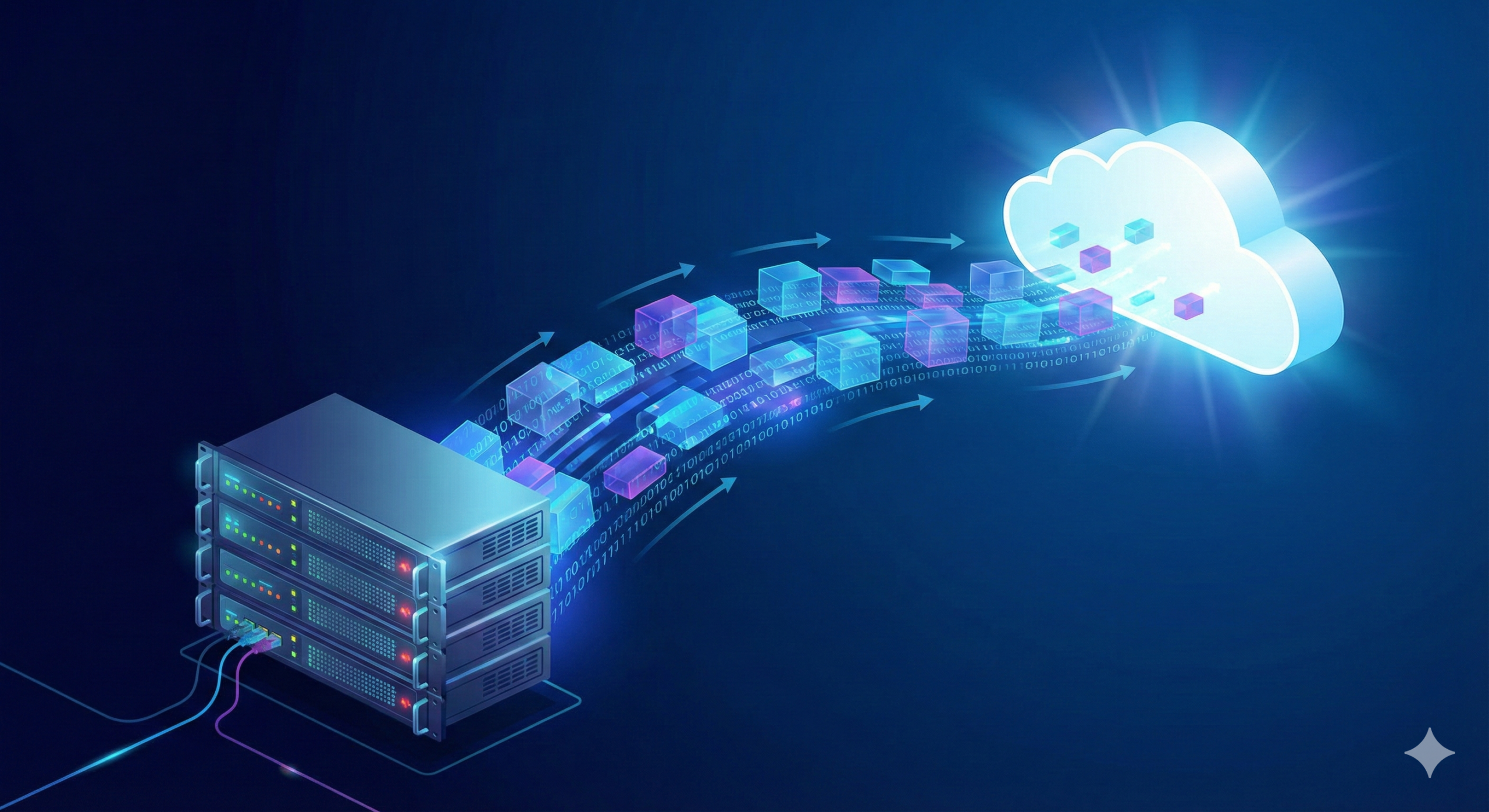
Cloud migration is the defining IT initiative of the decade for most companies. Moving workloads from on-premise servers into public cloud platforms (AWS, Azure, or Google Cloud) promises elasticity, global reach, and operational efficiency. Yet despite the marketing, many organizations discover that migration is not “plug and play.” Nearly one-third of cloud projects either exceed budgets or fail to deliver expected outcomes—not because the cloud is flawed, but because strategy is.
The biggest mistake companies make is assuming the cloud is simply another data center. It isn’t. The cloud is a completely different operating model. Successful migration is not transportation—it is transformation.
This guide outlines a practical, battle-tested approach to migrating infrastructure in 2025. It does not focus on tools alone but on thinking: how to avoid technical debt, how to control costs, and how to design an architecture that scales without chaos.
Phase 1: Assessment and the “6 Rs” Strategy
Before moving anything, you must understand what you already have. Cloud migration fails when companies treat their environment as a black box. Your applications, data flows, dependencies, licensing constraints, and compliance requirements must be documented before the first byte moves.
The industry standard framework for categorizing every system is known as the 6 Rs:
Rehost (Lift & Shift)
This means moving an application exactly as it is to the cloud. No code changes. No redesign. The benefit is speed. It allows rapid exit from physical data centers. The downside is inefficiency: you inherit legacy limitations and pay cloud pricing for server-shaped thinking.
Replatform (Lift, Tinker & Shift)
Minor modernization occurs during migration. A database is moved to a managed service. A file server becomes object storage. You keep functionality but gain performance, availability, and reduced maintenance.
Refactor (Re-Architect)
This is the real cloud shift. Applications are redesigned to be cloud-native: microservices, containers, event-driven pipelines, serverless backends. It takes time. It costs more. But it returns architecture that scales without pain.
Repurchase
Some systems are better replaced than migrated. Old CRMs, ticketing platforms, and HR systems often migrate more cleanly by switching to SaaS products like Salesforce or Workday.
Retire
You will find dead applications you forgot existed. Decommissioning unused systems before migration is one of the cheapest “optimizations” in the entire process.
Retain
Not all systems belong in the cloud yet. Legacy workloads governed by licensing, latency, or legal constraints may remain on-premise—increasingly within hybrid architectures.
A mature organization uses multiple Rs at once. There is no single “cloud strategy.” There is alignment.
Phase 2: Planning and Cost Estimation
Cloud adoption transforms CapEx into OpEx. Instead of buying hardware, you rent capacity dynamically. This is powerful, but dangerous if mismanaged.
Total Cost of Ownership (TCO)
Use provider pricing calculators to estimate monthly spend. Compare total cost including:
- Compute
- Storage
- Network egress
- Backups
- Licensing
- Support plans
Many companies discover that a simple lift-and-shift costs more than on-premise hosting.
Cloud savings come from architecture, not location.
You must design for:
- Automation
- Auto-scaling
- Storage tiers
- Right-sizing
- Spot or reserved pricing models
Skill Gap Analysis
Cloud is not “just servers in someone else’s building.” It introduces:
- Identity and access controls
- Infrastructure as code
- Immutable deployments
- Immutable networking
- Distributed logging
- Policy-driven security
If your team lacks expertise, the answer is not panic—the answer is preparation. Either invest in training or partner with a managed service provider that engineers the foundation while your team learns to operate it.
Compliance Considerations
Data sovereignty laws don’t migrate automatically.
Always address:
- GDPR / CCPA / HIPAA / PCI
- Encryption at rest and in transit
- Key ownership models
- Logging requirements
- Geo-bound storage strategy
Region choice is not a performance issue alone—it is a legal decision.
Phase 3: Designing the Landing Zone
The Landing Zone is your cloud foundation. Every system will depend on it.
Skipping this phase creates permanent vulnerabilities.
Network Architecture
Design your virtual network from day one. Separate resources by trust level:
- Public zone
- Private zone
- Subnet tiers
- Network firewall rules
- Bastion hosts or private endpoints
Establish secure connectivity with your physical office through:
- VPN tunnels
- Private connectivity
- Direct routes (e.g., AWS Direct Connect)
Identity Management
Never use shared root accounts.
Implement:
- Central authentication
- Role-based access
- Multi-factor access
- Identity federation (Azure AD, Google Identity, Okta, etc.)
Create environments:
- Production
- Staging
- Development
- Sandbox
Separation reduces blast radius.
Security Baseline
Before any application runs:
- Enable logging
- Activate threat detection
- Enforce encryption
- Configure spending alerts
- Create audit trails
Security must pre-exist the workload.
Phase 4: Data Migration Tactics
Applications move easily. Data does not.
Migration planning must respect size, speed, encryption, and downtime.
Online Transfer
For modest data sizes:
- AWS DataSync
- Azure Data Factory
- rsync tunnels
- Secure transfer endpoints
Offline Transfer
For terabytes or petabytes:
- Ruggedized drives shipped physically
- Encrypted automatically
- Faster than internet lines
- Eliminates network throttling limitations
Database Synchronization
For low downtime:
- Continuous replication
- Dual-write strategy
- Change streams
- Cutover after sync reaches near-zero lag
Testing data integrity is not optional.
Migration without validation is gambling.
Phase 5: Testing and Cutover
This is where success becomes visible—or disaster arrives quietly.
Functional Testing
Ensure that:
- Authentication works
- File paths resolve
- APIs respond correctly
- Performance matches expectation
- Latency doesn’t sabotage UX
Disaster Recovery Validation
You must prove that:
- Backups restore correctly
- Architectures are resilient
- Failovers are executable
- Rollbacks exist
Never trust a backup you haven’t restored.
Cutover Strategy
Choose low-traffic hours.
Freeze changes.
Update DNS.
Redirect customer traffic.
Monitor everything.
Keep the old system live in read-only mode temporarily.
Rollback is not pessimism—it is good engineering.
Phase 6: Post-Migration Optimization (Day Two)
Cloud migration does not end.
It transforms.
This is where FinOps begins.
FinOps is the discipline of cloud cost management. It teaches:
- Budget accountability
- Cost transparency
- Optimization feedback loops
- Spend forecasting
Common optimizations:
- Instances running at 10% utilization
- Over-provisioned memory allocations
- Excess storage replication
- Redundant backups
- Unused services still billing
Cloud without governance is a financial leak.
Automation without visibility is expensive chaos.
Performance Tuning After Migration
Once systems stabilize, performance tuning becomes strategic advantage.
Monitor:
- Disk I/O
- Network throughput
- Query performance
- Container efficiency
- Serverless cold starts
Cloud gives visibility.
Use it.
Culture Change Matters More Than Code
Cloud transformations fail when culture resists change.
Teams must shift mindset:
- Build for automation
- Design for failure
- Expect scalability
- Treat infra as code
- Think globally
- Secure by default
Cloud is not an IT project.
It is organizational evolution.
Common Migration Mistakes
Companies fail when they:
- Skip architectural design
- Migrate without audit
- Ignore compliance early
- Lift-and-shift everything
- Abandon training
- Underestimate cost governance
- Treat migration as “one-time”
The cloud is not a destination.
It’s infrastructure evolution.
Final Conclusion: Migration is Architecture, Not Transport
Cloud migration is not about moving servers.
It is about redesigning how your business runs.
The greatest ROI does not come from saving rack space.
It comes from:
- Faster innovation
- Higher reliability
- Global access
- Cost transparency
- Reduced operations overhead
In 2025, companies that treat cloud like hardware merely rent space.
Those who treat cloud like software build advantage.