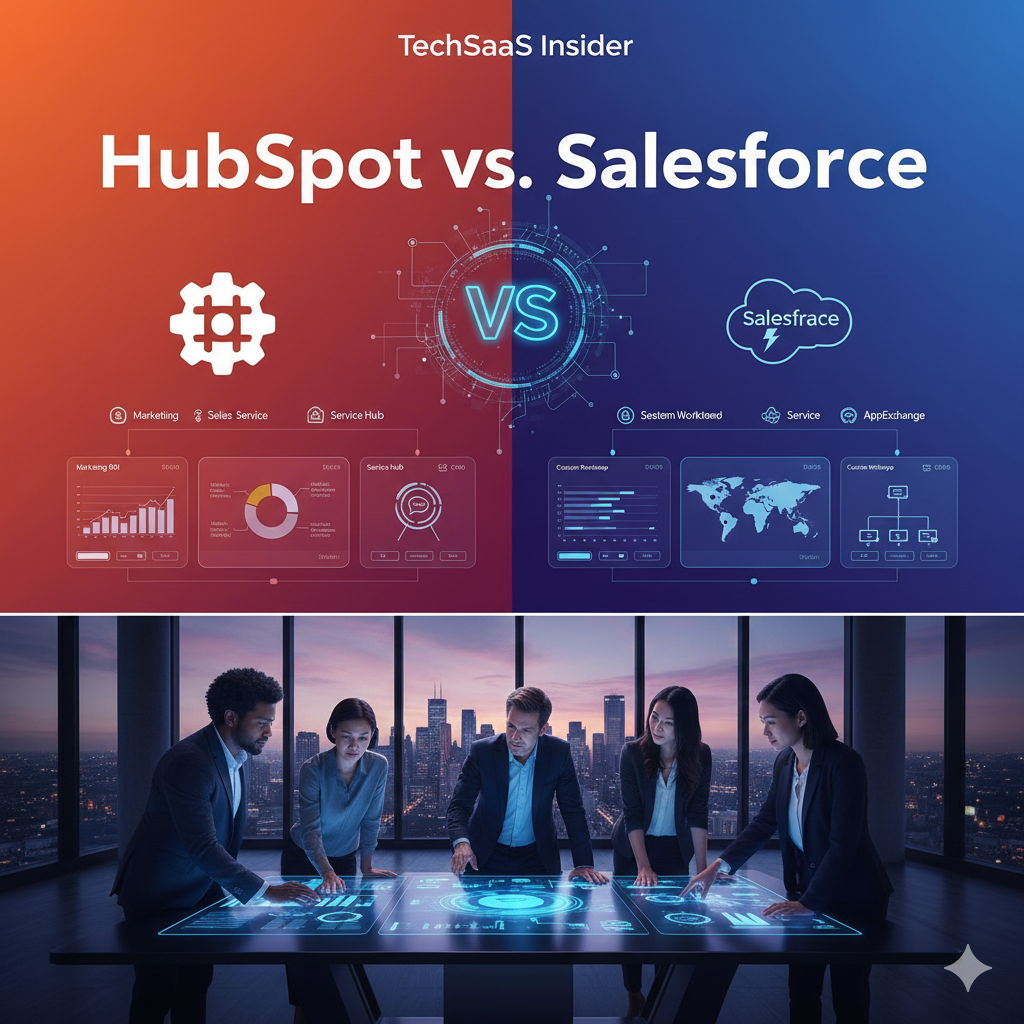
HubSpot vs. Salesforce: Which Enterprise CRM Reigns Supreme in 2025?
In the high-stakes arena of Enterprise Software, one rivalry eclipses all others: HubSpot vs. Salesforce.
For over a decade, the narrative was simple: HubSpot was for small businesses and marketing teams, while Salesforce was for large enterprises and aggressive sales organizations. In 2025, that distinction is dead. HubSpot has scaled up, adding powerful enterprise features like custom objects and granular permissions. Salesforce has tried to scale down, simplifying its interface to court agile teams.
Today, these two titans are in a direct collision course for the soul of your company’s revenue operations. Choosing between them is a career-defining decision for CTOs and VPs of Sales. The wrong choice can lead to a “failed implementation”—a disaster that costs hundreds of thousands of dollars and months of wasted time.
This comprehensive, unfiltered comparison goes beyond the feature lists. We analyze the architectural philosophies, the Total Cost of Ownership (TCO), the hidden implementation realities, and the long-term scalability of both platforms to help you decide which CRM should power your growth.
1. The Core Philosophy: “Crafted” vs. “Acquired”
To understand the user experience of these platforms, you must look at how they were built.
HubSpot: The “Crafted” Ecosystem
HubSpot operates on a philosophy of unity. Every part of its platform—Marketing, Sales, Service, CMS, and Operations—was built in-house on a single code base.
- The Result: A unified data model. A contact in the Marketing Hub is the exact same record in the Service Hub. The interface looks and behaves the same whether you are writing a blog post or managing a sales pipeline. This drastically reduces friction and training time.
Salesforce: The “Acquired” Empire
Salesforce grew into a giant through aggressive acquisition. It bought ExactTarget for marketing, Tableau for analytics, Slack for communication, and MuleSoft for integration.
- The Result: Unmatched power, but fragmented experience. The “Marketing Cloud” looks and feels different from the “Sales Cloud” because they were originally different companies. Data often has to be synced between these internal clouds. It is a powerful federation of tools rather than a single unified organism.
2. Ease of Use and Adoption: The “Shelfware” Risk
The most powerful software in the world is useless if your team refuses to use it. “Shelfware” (software that sits on the shelf) is the nightmare of every IT budget.
The HubSpot Advantage
HubSpot wins this category hands down. It was designed with the end-user (the marketer or sales rep) in mind, not just the CIO.
- UI/UX: The interface is clean, modern, and intuitive. New hires can often figure it out with zero formal training.
- Adoption Rates: Because it removes friction (e.g., automatically logging emails, easy meeting schedulers), sales reps actually like using it. High adoption means better data integrity.
The Salesforce Curve
Salesforce is a database-first platform. It is designed for power and configurability, often at the expense of usability.
- UI/UX: While the “Lightning” interface improved things, it can still feel cluttered with tabs, sub-menus, and complex record views.
- Training Requirement: You cannot just “drop” Salesforce on a team. It requires mandatory, rigorous training. Without a dedicated “Salesforce Admin” to streamline the views, users often find it overwhelming and revert to using spreadsheets.
3. Customization and Complexity: How Deep Can You Go?
For enterprise companies, out-of-the-box features aren’t enough. You need the CRM to mirror your unique, complex business processes.
Salesforce: The Infinite Canvas
This is where Salesforce earns its crown. It is less of a tool and more of a PaaS (Platform as a Service).
- Apex & Visualforce: With its proprietary coding languages, a developer can make Salesforce do literally anything. Do you need a custom ERP system built inside your CRM? Salesforce can do it.
- Granularity: The level of control over permission sets, field dependencies, and validation rules is infinite. For highly regulated industries (banking, healthcare) with extreme compliance needs, Salesforce is often the only choice.
HubSpot: The Guardrails Approach
Historically, HubSpot lacked deep customization. In 2025, that gap has narrowed significantly with the introduction of Custom Objects and serverless functions.
- Custom Objects: You can now create data entities that fit your business (e.g., “Shipments,” “Properties,” “Subscriptions”) and link them to contacts.
- The Ceiling: However, there is still a ceiling. If you need to fundamentally alter the backend logic or create highly complex, multi-layered dependency rules, you might hit a wall in HubSpot that requires a workaround, whereas Salesforce would just require code.
4. Reporting and Analytics: Visualizing Success
Salesforce + Tableau
Salesforce’s native reporting is robust, but its acquisition of Tableau is the game-changer. Tableau is the world’s leading data visualization tool.
- Power: You can blend CRM data with ERP data, financial data, and third-party logistics data to create visualizations of incredible depth.
- Complexity: Setting this up is a specialized skill. It’s not “drag and drop” for the average sales manager.
HubSpot Analytics
HubSpot offers integrated reporting that is accessible to everyone.
- Accessibility: Any manager can build a funnel report or a revenue forecast in minutes. The “Attribution Reporting” (seeing exactly which blog post led to a $100k deal) is best-in-class and works out of the box.
- Limitations: It is harder to join HubSpot data with external non-HubSpot databases for cross-functional reporting without using a data warehouse (like Snowflake).
5. Pricing and Total Cost of Ownership (TCO)
Pricing is where the comparison gets tricky. The list price is rarely what you pay.
Salesforce: The “Hidden Cost” Model
Salesforce licenses (Sales Cloud Enterprise) might start around $165/user/month, but that is just the entry ticket.
- Add-ons: Knowledge base? Extra cost. Sandbox environments? Extra cost. API call limits? Extra cost.
- Implementation: You virtually must hire a consultancy to implement Salesforce. This can cost anywhere from $20,000 to $500,000 upfront.
- Maintenance: You will likely need a full-time Salesforce Administrator (average salary $90k+) to keep the system running.
HubSpot: The “Bundled” Model
HubSpot is generally more transparent, but can get expensive at scale.
- Bundles: You typically buy “Hubs” (Sales Hub Enterprise, Marketing Hub Enterprise). Most features are included in the tier price.
- Implementation: Much cheaper. Many companies self-implement or pay a small fee ($3k-$10k) for onboarding.
- Maintenance: You rarely need a full-time admin. A “RevOps” manager can handle HubSpot alongside other duties.
- The Trap: HubSpot charges for “Marketing Contacts.” If your database grows from 10k to 100k contacts, your bill rises steeply, even if you don’t email them all.
6. The Verdict: Which One Wins in 2025?
The decision comes down to Complexity vs. Velocity.
Choose HubSpot Enterprise If:
- Velocity is your priority: You want a system that is live in weeks, not months.
- You want unified Revenue Operations: You want Marketing, Sales, and Service to work in the exact same tool without integration headaches.
- User Experience matters: You want a tool your team will actually love using, reducing the need for policing data entry.
- You are a Scaling Scale-up: You are growing from 50 to 500 employees and need a robust system that doesn’t require a dedicated IT department to manage.
Choose Salesforce If:
- You have extreme customization needs: Your business model is highly unique, non-linear, or requires proprietary custom applications built directly into the CRM interface.
- You are in a legacy enterprise ecosystem: Your company already runs entirely on Oracle/SAP/Microsoft stacks and needs the deep, custom API capabilities Salesforce offers.
- You have a dedicated IT/Admin team: You have the budget and headcount to employ people whose sole job is maintaining the CRM.
- Granular Reporting is life or death: You need Tableau-level BI visualization embedded directly in your dashboards.
Final Thoughts
In 2025, the old adage “Nobody gets fired for buying Salesforce” is being challenged. HubSpot has proven that Enterprise software doesn’t have to be painful. If Salesforce is the customizable beast that can do anything (if you have the budget), HubSpot is the streamlined rocket ship designed to do the right things fast.
Strategic Advice: Audit your processes first. If your process is a mess, putting it into Salesforce just makes it an expensive mess. If your process is clear, HubSpot might be the fastest way to automate it..