
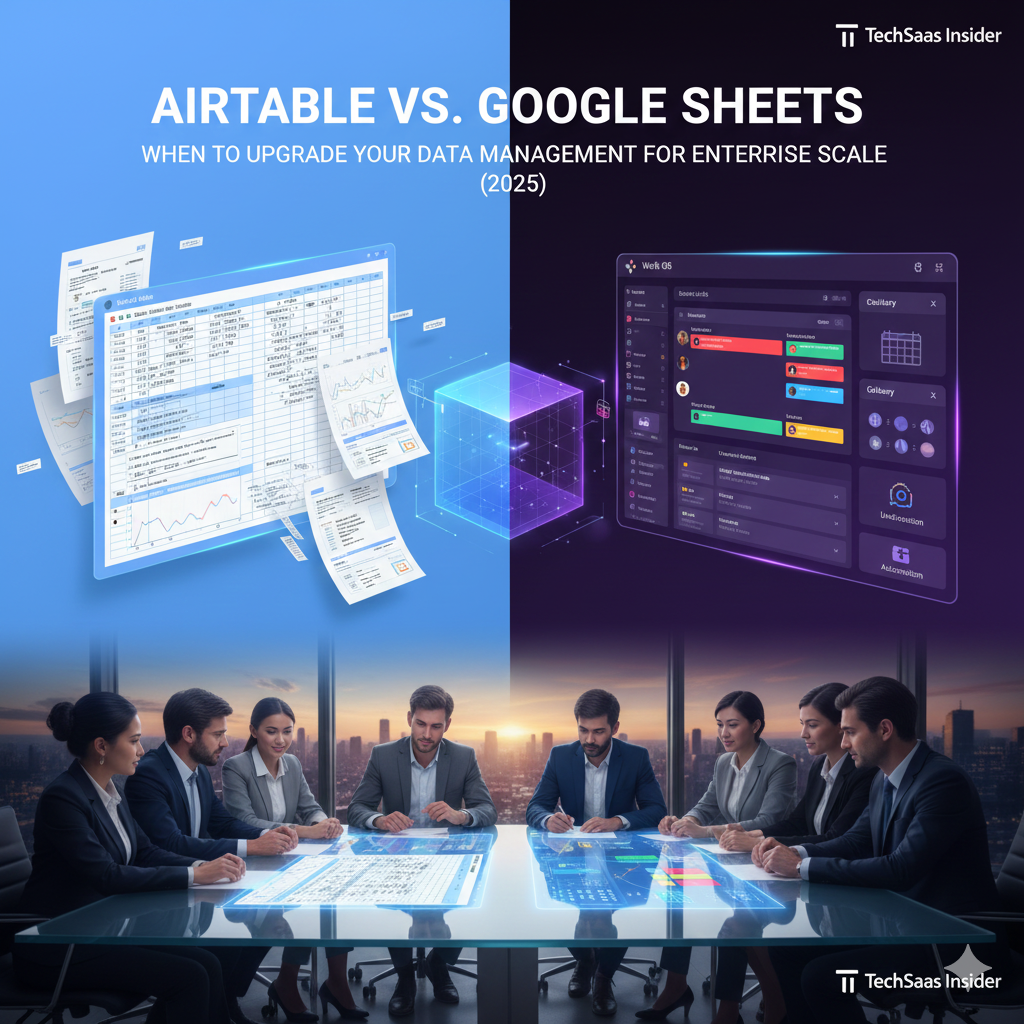
Airtable vs. Google Sheets: When to Upgrade Your Data Management for Enterprise Scale (2025 Guide)
The humble spreadsheet is the operating system of modern business. It is where every startup begins: tracking leads, managing inventory, and planning content schedules. Google Sheets has democratized data management with its unparalleled collaboration features and zero cost.
But every growing business eventually hits “The Spreadsheet Wall.”
Formulas break. Links between sheets get corrupted. Pasting an image into a cell ruins the formatting. You realize you aren’t trying to do math; you are trying to build a database app, and a spreadsheet is the wrong tool for the job.
Enter Airtable.
Airtable positions itself as a “Low-Code Platform” that looks like a spreadsheet but acts like a database. In 2025, the debate between Airtable and Google Sheets is not about which one is “better” in a vacuum; it is about choosing the right architecture for your data. Are you doing calculations? Or are you building a workflow?
This comprehensive guide dissects the architectural differences, feature sets, and scalability of both platforms to help you decide if it’s time to migrate your business from the flat world of rows and columns to the relational power of Airtable.
1. The Core Architecture: Calculator vs. Database
To choose the right tool, you must understand what lies beneath the user interface.
Google Sheets: The Canvas for Calculation
Google Sheets is a digital ledger. Its fundamental unit is the Cell.
- The Logic: Every cell is independent. You can type “100” in A1 and “Hello” in A2. The system doesn’t care. It offers total freedom.
- The Superpower: Math. Sheets is designed for numerical analysis, financial modeling, and complex statistical formulas. If your primary goal is to answer “How much?”, Sheets is the king.
Airtable: The Relational Engine
Airtable is a relational database. Its fundamental unit is the Record (Row).
- The Logic: Structured data. You define columns (Fields) by type: Text, Number, Date, Attachment, or Single Select. If a column is defined as a “Date,” you cannot type “Tuesday” into it. This constraint ensures data integrity.
- The Superpower: Relationships. You can link a record in the “Clients” table to a record in the “Projects” table. This creates a web of connected data, not just isolated tabs. If your primary goal is to answer “Who is doing what and when?”, Airtable is superior.
2. User Interface and Data Visualization
How you view your data dictates how you interact with it.
Google Sheets: The Grid
In Sheets, what you see is what you get: a grid.
- Visualization: You can create charts and graphs (pie charts, bar graphs) based on the data, but the data input interface is always the grid.
- Limitation: If a marketing manager wants to see tasks on a Calendar, and a sales manager wants to see them in a List, they have to wrestle with the same grid or create complex pivot tables.
Airtable: The “Views” Revolution
Airtable separates Data from View. The data lives in the database, but you can look at it through different lenses instantly.
- Grid View: Looks like Excel.
- Kanban View: Looks like Trello. You can drag and drop records between stages.
- Calendar View: See records on a monthly/weekly calendar.
- Gallery View: Displays records as visual cards (great for design assets).
- Gantt View: Visualizes timelines and dependencies.
The Verdict: Airtable allows different teams to work on the same data using the view that fits their brain. A designer uses Gallery; a manager uses Gantt. This flexibility is Airtable’s “killer feature.”
3. Automation and Workflow: Making Data Move
In 2025, static data is dead data. You need your tool to trigger actions.
Google Sheets: Macros and Scripts
Sheets relies on Google Apps Script (based on JavaScript).
- Power: Extremely powerful if you know how to code. You can write scripts to do almost anything.
- Accessibility: Low. For the average marketing manager, writing a script to “send an email when a cell equals X” is too technical. You often have to rely on third-party connectors like Zapier for even basic automation.
Airtable: Native Automations
Airtable has a built-in “If This, Then That” automation engine.
- Triggers: “When a record matches a condition” (e.g., Status changes to ‘Approved’).
- Actions: “Send a Slack message,” “Send an email (via Gmail),” “Create a new record,” or “Update a record.”
- Usability: It is entirely visual. No code is required. You can build complex approval workflows that run automatically in the background, transforming Airtable from a storage bin into an active participant in your business.
4. Scalability and Performance limits
Both tools have ceilings, but they hit them differently.
Google Sheets Limitations
- Row Limit: Google Sheets has a hard limit of 10 million cells. However, performance degrades significantly long before that. If you have 50,000 rows with complex
VLOOKUPorQUERYformulas, the sheet will become sluggish, load slowly, and potentially crash browsers. - Data Integrity: The biggest scalability risk is human error. Because cells are free-form, one accidental deletion or formula overwrite can break an entire dashboard without anyone noticing for days.
Airtable Limitations
- Record Limits: Airtable plans are capped by records per base (e.g., 50,000 records on the Team plan). For massive datasets (like a log of 1 million website visits), Airtable is too expensive and restrictive.
- Performance: Airtable handles large datasets better than Sheets because it doesn’t recalculate formulas constantly, but it is not a “Big Data” warehouse.
- Cost at Scale: As you add users and records, Airtable becomes an enterprise software expense, whereas Sheets remains free/cheap.
5. Pricing Comparison (2025 Snapshot)
The cost difference is the main friction point for upgrades.
Google Sheets:
- Cost: Free for personal use. Included in Google Workspace ($6-$18/user/mo) for business.
- Value: Unbeatable. It is likely already paid for by your email subscription.
Airtable:
- Free: Limited to 1,000 records. Good for hobbyists.
- Team ($20/user/mo): 50,000 records, automations, and advanced views.
- Business ($45/user/mo): 125,000 records, Gantt charts, advanced permissions.
- Value: You are paying for the application features (views, automation), not just storage.
6. The Decision Matrix: Which Tool Do You Need?
Scenario A: Financial Modeling & Accounting
- Winner: Google Sheets.
- Why: You need complex formulas (
SUMIFS,NPV,IRR), financial formatting, and the ability to model “what-if” scenarios freely. Airtable’s formula engine is clunky for pure math.
Scenario B: Content Calendar & Asset Management
- Winner: Airtable.
- Why: You are managing images, dates, statuses, and assignees. You need to see the data on a Calendar and a Kanban board. Airtable’s attachment field (which displays thumbnails perfectly) crushes Sheets’ clumsy image handling.
Scenario C: Inventory & Order Tracking
- Winner: Airtable.
- Why: You need relational data. A “Product” relates to a “Supplier” and an “Order.” Airtable ensures that if you change a supplier’s phone number in one place, it updates everywhere.
Scenario D: Quick List Making & Collaboration
- Winner: Google Sheets.
- Why: Zero friction. You open a sheet, type a list, share the link, and everyone edits at once. Airtable requires setting up the database structure first, which is overkill for a simple grocery list or brainstorm.
Conclusion: You Probably Need Both
In 2025, the most mature organizations don’t debate “Airtable OR Google Sheets.” They use Airtable AND Google Sheets.
- Use Google Sheets for your sandbox: calculating budgets, sketching out ideas, and performing one-off data analysis.
- Use Airtable for your “System of Record”: the structured workflows, project trackers, and databases that run your daily operations.
Moving to Airtable isn’t just a software upgrade; it’s a maturity milestone. It signals the moment your business stops “listing things” and starts “architecting data.”